Let’s be real: most planner apps feel like homework. You download them, spend 20 minutes setting up categories, colors, and reminders—then two days later you open the app and see a wall of half-finished tasks. It’s demoralizing, not helpful.
I’ve been through like five different apps this year alone. Notion is powerful but too much setup. Todoist is clean but feels like a spreadsheet. TickTick has too many buttons. Every time I opened one, I felt more stressed, not less.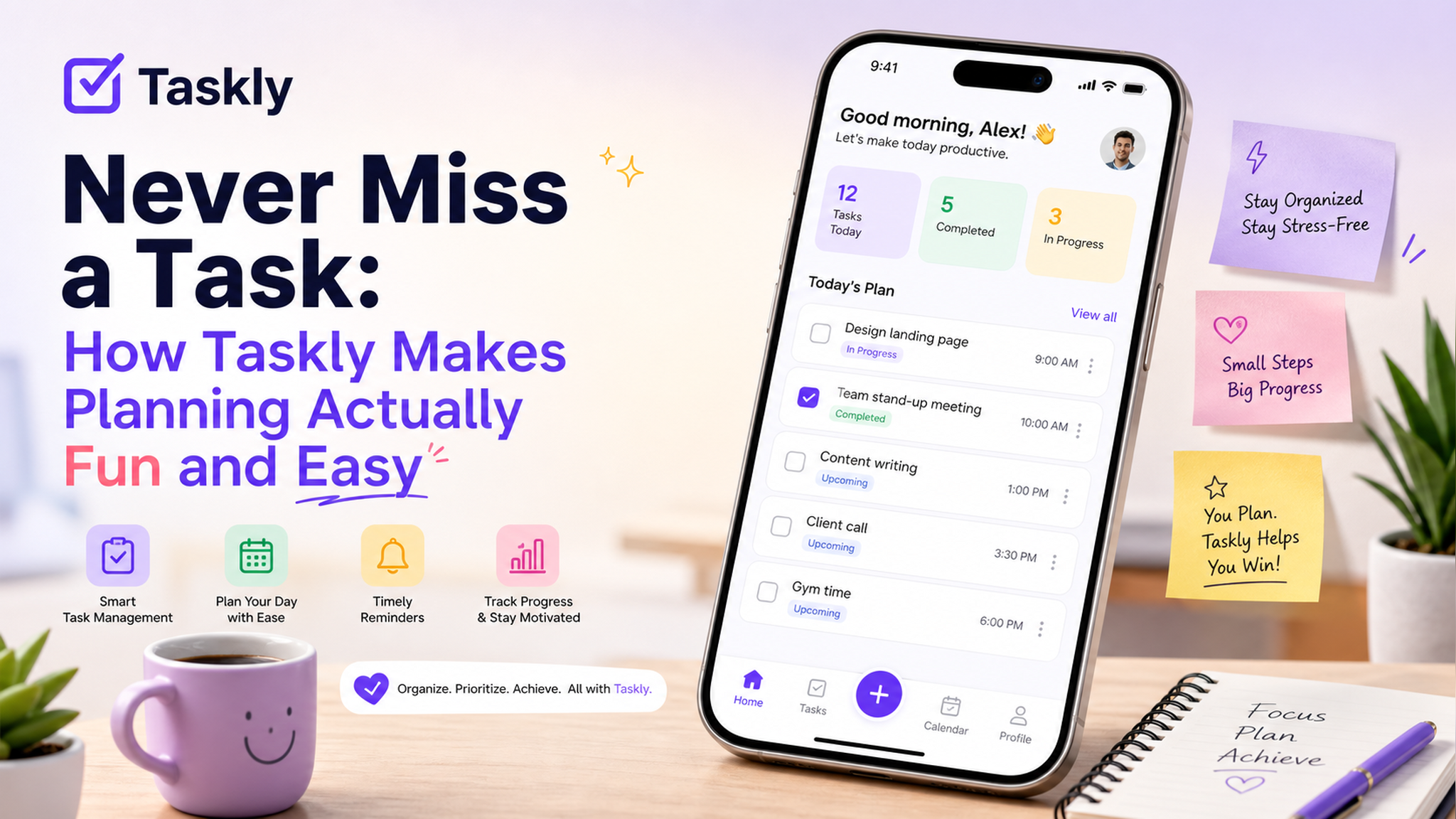
What actually makes a planner stick
The problem is that most apps treat planning like a database problem. They assume you’ll sit down, think hard about priorities, tag everything, and then act like a robot. But real life is messy. Things change. You forget to open the app. And if the app doesn’t feel good to use, you won’t use it.
That’s where Taskly gets it right. It still handles all the basics—tasks, goals, checklists, weekly views—but the whole experience is designed to reduce friction. You don’t spend time organizing the organizer.
A concrete example: my chaotic Tuesday
Last week I had a presentation due, lunch with a friend, and a pile of laundry that somehow became a crisis. Normally I’d scribble on a sticky note or rely on memory (bad idea). With Taskly, I opened the app, added the three items in about ten seconds, and saw them all in one daily view. The interface is simple enough that I didn’t have to decide where each thing “belongs.” No folders. No labels. Just a clean list for the day.
This sounds basic, but for someone like me who avoids planning because it feels like work, that ten-second entry is huge.
Why it doesn’t feel like a chore
I think the secret is that Taskly embraces the idea that planning should be light, not heavy. There’s a bit of personality in the design—not childish, but playful. Subtle animations when you check off a task. A weekly overview that’s actually fun to drag and rearrange. It doesn’t feel like a productivity tool; it feels like a casual pocket assistant.
Another thing: it doesn’t punish you for being inconsistent. Miss a day? The app doesn’t show you a streak counter or guilt-trip you. It just lets you start fresh. That matters for young people who already have enough pressure from life.
Where it might fall short
Taskly isn’t trying to replace project management tools like Asana or Notion. If you need complex workflows, recurring tasks with multiple sub-steps, or collaboration features with a team, this probably isn’t the right fit. It’s for individuals who want to get their personal life and small work tasks under control without overthinking.
Also, I noticed it doesn’t have a native desktop app yet (web version only). That’s not a dealbreaker for me since I do most planning on my phone, but if you’re keyboard-heavy during the day, the mobile-first approach might feel restrictive.
Who should try it
If you’ve tried other planners and felt overwhelmed by the setup, or if you literally just want a fast way to dump your thoughts into a daily view that doesn’t judge you, give Taskly a shot. It’s closer to a notebook than a software suite, and that’s exactly what some of us need.
Comments
Leave a Comment