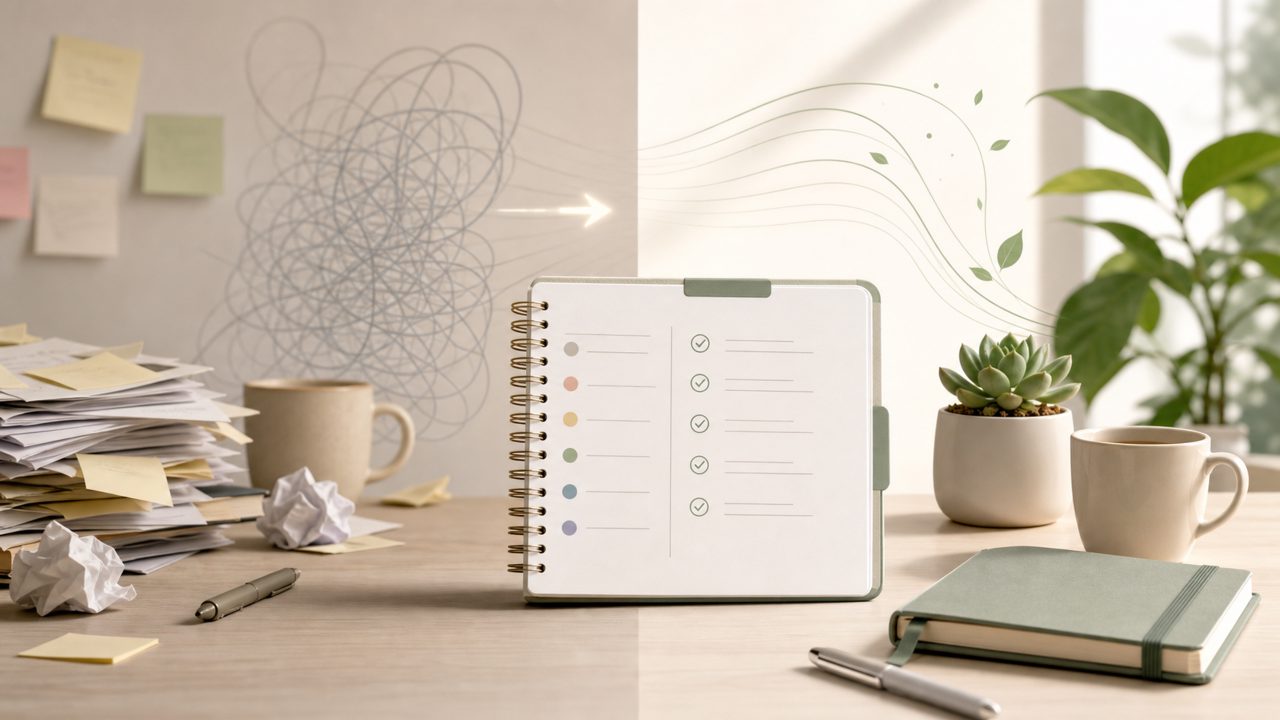
I’ve been testing a handful of free to-do list apps recently, mostly because I wanted something that felt less like a dumping ground and more like an actual daily planner. The productivity angle I was really after was about reducing friction — not adding more fields and labels. That’s how I ended up with taskly, a daily planner that promises to turn scattered priorities into a clear action plan. After a couple of weeks of real use, here’s what I noticed, broken down into a short checklist of what actually matters if you’re considering it.
What stood out while testing taskly for daily productivity
- Quick entry without decision fatigue. Adding a task is just typing and hitting enter. There’s no folder assignment, no tag taxonomy — just a blunt list. That sounds basic, but for a free AI to do list app in 2026, it’s surprisingly easy to stay in the flow. I didn’t have to stop and think “is this work or personal?”
- The daily view actually anchors the day. Most apps show you everything at once and hope you prioritize. Taskly forces you into a daily plan view by default. I missed it at first, but after a few days it helped me stop scanning old items. It’s a small design choice that matters more than I expected.
- AI suggestions are there, but not pushy. The best ai task manager 2026 tagline doesn’t quite hold yet — the AI didn’t rewrite my life. It did surface one or two overdue items I’d deliberately ignored, which felt more like a gentle nudge than a lecture. That’s acceptable. But don’t expect it to organize chaos for you; it still needs your input.
- One realistic tradeoff: no deep project breakdown. If you need sub-tasks with dependencies, this is not the tool. Taskly treats everything as flat to-do items with a date. For goal planning over multiple steps, you’ll want a separate system. It’s a planner, not a project manager, and that honesty is refreshing.
- A friction point I kept hitting. Recurring tasks are handled, but the UI for setting them up is a one-second delay — you have to click an extra menu icon instead of a quick checkbox during creation. It’s minor, but when you’re adding 10+ items, that small friction adds up. I wish they’d streamline it.
- Works fine as an ai smart to do list app for a single person. I tested the free tier, and it covers daily planning, weekly reviews, and a clean dashboard. No hidden paywalls for basic features. If you’re looking for something simple and reliable, not flashy, it fits. But I wouldn’t recommend it for teams or for anyone who needs heavy automation.
One thing I’m still unsure about: the weekly overview feels a bit detached from the daily view. You can scroll through days, but the connection between “what I want this week” and “what I did today” isn’t as tight as it could be. It works, but I wouldn’t call it seamless. For a free tool though, that’s a minor complaint.
Should you try taskly for your daily productivity?
If you’re tired of apps that overcomplicate basics, taskly is worth a week of testing. It’s not the most powerful best ai task manager 2026 contender — the AI is helpful in small doses, not transformative — but it’s a solid planner that respects your time. The checklist above covers the main strengths and the few rough edges I hit. Give it a try if you want something that doesn’t fight you while you plan your day. Just don’t expect it to do the thinking for you.
Comments
Leave a Comment