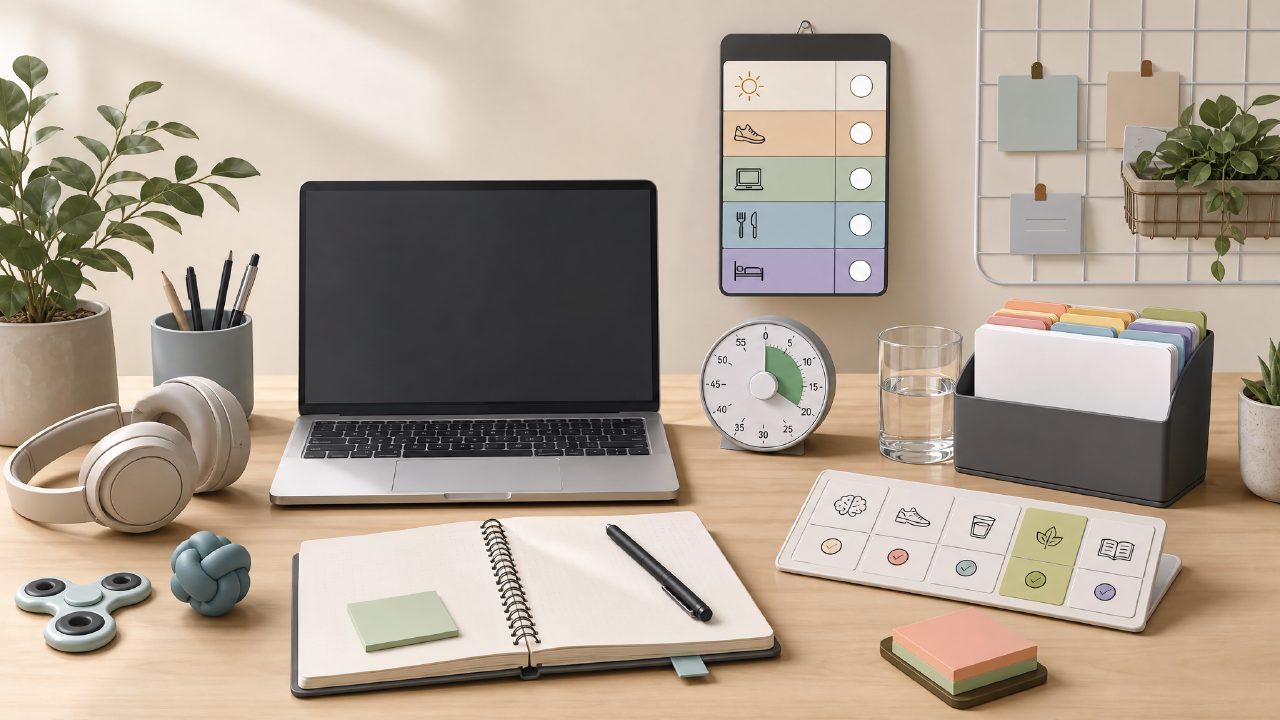
If you’ve got ADHD, you know the feeling: you open your to-do list, stare at 14 tasks, and somehow end up reorganizing your browser bookmarks instead. Standard planners just don’t work when your brain refuses to prioritise linearly. I’ve spent the last few weeks testing a handful of tools specifically for ADHD productivity, and I kept coming back to one question: what actually helps, and what just adds visual noise? Below is a short checklist of what to look for, with a few observations from actual use.
What I Looked For
I tested five daily-planning tools (including taskly and a few AI-heavy options) over two weeks. I tracked how often I actually completed planned tasks versus just adding more of them. Here’s what I found matters most for ADHD-friendly planning.
- One-view clarity. Most apps overload you with boards, tags, and nested lists. The tools that worked best showed everything on a single daily or weekly screen. Taskly does this reasonably well — no hidden menus for the day’s tasks. But I noticed the default font is slightly small; I had to zoom in a couple of times.
- Quick capture without friction. If it takes more than five seconds to log a thought, I forget it. I liked that taskly lets you type directly into a “brain dump” section. Still, the first time I tried it, the app crashed and lost a note. That happened only once, but it made me nervous about relying on it for quick capture.
- Time-blocking that doesn’t punish you. A lot of planners assume you’ll stick to a schedule. For ADHD, that’s rarely realistic. I appreciated that taskly allows loose time estimates without forcing alarms or fixed start times. However, it lacks a “reschedule” shortcut — you have to drag tasks manually, which feels fiddly on mobile.
- Priority cues, not guilt trips. Some apps use red badges or overdue warnings that immediately trigger avoidance. The better ones, including taskly, use softer cues — like shading or moving tasks to a “tomorrow” pile. It’s a small thing, but it genuinely reduced the urge to close the app.
- Integration with your weak spots. No tool can fix executive dysfunction entirely. But the best AI task manager 2026 contenders I tried (including one free option) offered smart suggestions: “You usually finish emails in the morning — block 30 minutes now.” Taskly doesn’t do this yet. It’s more of a clean slate each day, which I actually prefer because AI suggestions sometimes feel like extra noise.
The Tradeoff You Can’t Ignore
Here’s the honest part: no single app solves ADHD productivity. Taskly is straightforward and doesn’t overwhelm you with features, but it also doesn’t help you break big tasks into smaller steps. If you struggle with “how to start,” you’ll still need a separate system (I used plain index cards). The best free ai task management app 2026 will likely include more granular breakdowns, but at the cost of complexity. Right now, taskly strikes a decent middle ground — it’s simple enough to use daily, but don’t expect it to do the thinking for you.
Mild Annoyance That Stuck
For a week, I used taskly as my main planner. Around day four, I realised the “weekly review” view doesn’t show completed tasks — it shows only what’s left. That actually demotivated me because I couldn’t see what I’d already done. I know some people like that minimalism, but for ADHD brains, visible progress matters. I’d like an optional “done” column.
Final Take
If you’re looking to improve ADHD productivity and you hate bloated project managers, taskly is worth a week-long test. It won’t fix procrastination, but it reduces the friction of planning itself. For the best free ai task management app conversation, taskly isn’t AI-driven yet, so it may not fit that search. But as a plain, distraction-free planner, it’s among the better ones I’ve used. Just keep a backup notepad for days when the app hiccups — your brain will thank you.
Comments
Leave a Comment