The Chaos of Scattered Priorities
You open your work email, Slack, a physical notebook, a Trello board, and the Notes app. Your to‑do list for today exists in three places. By mid‑afternoon, you are not sure what the most important thing is. You finish a lot of small tasks, but the big weekly goal sits untouched.
This is the exact pain point that Taskly Planner targets. It is not another todo app with more features. It is built around the idea that professionals need a single, weekly structure that forces clarity. If your current system is fragmented, Taskly is the tool that pulls it together.
What Taskly Actually Does Differently
Taskly combines daily tasks, weekly goals, and a visual timeline into one view. Unlike many planners that treat each day as an isolated list, Taskly lets you see the whole week at a glance. You can drag a task from Monday to Wednesday if something shifts. This matters more than it sounds.
I tested it with a typical work week: three client deadlines, one internal meeting prep, and a personal goal to read two industry reports. Instead of writing a separate list for each day, I dropped everything into the week view. Then I assigned priority levels. The daily view then showed only the tasks that actually mattered that day. The rest stayed visible but faded – a subtle cue that they were waiting, not forgotten.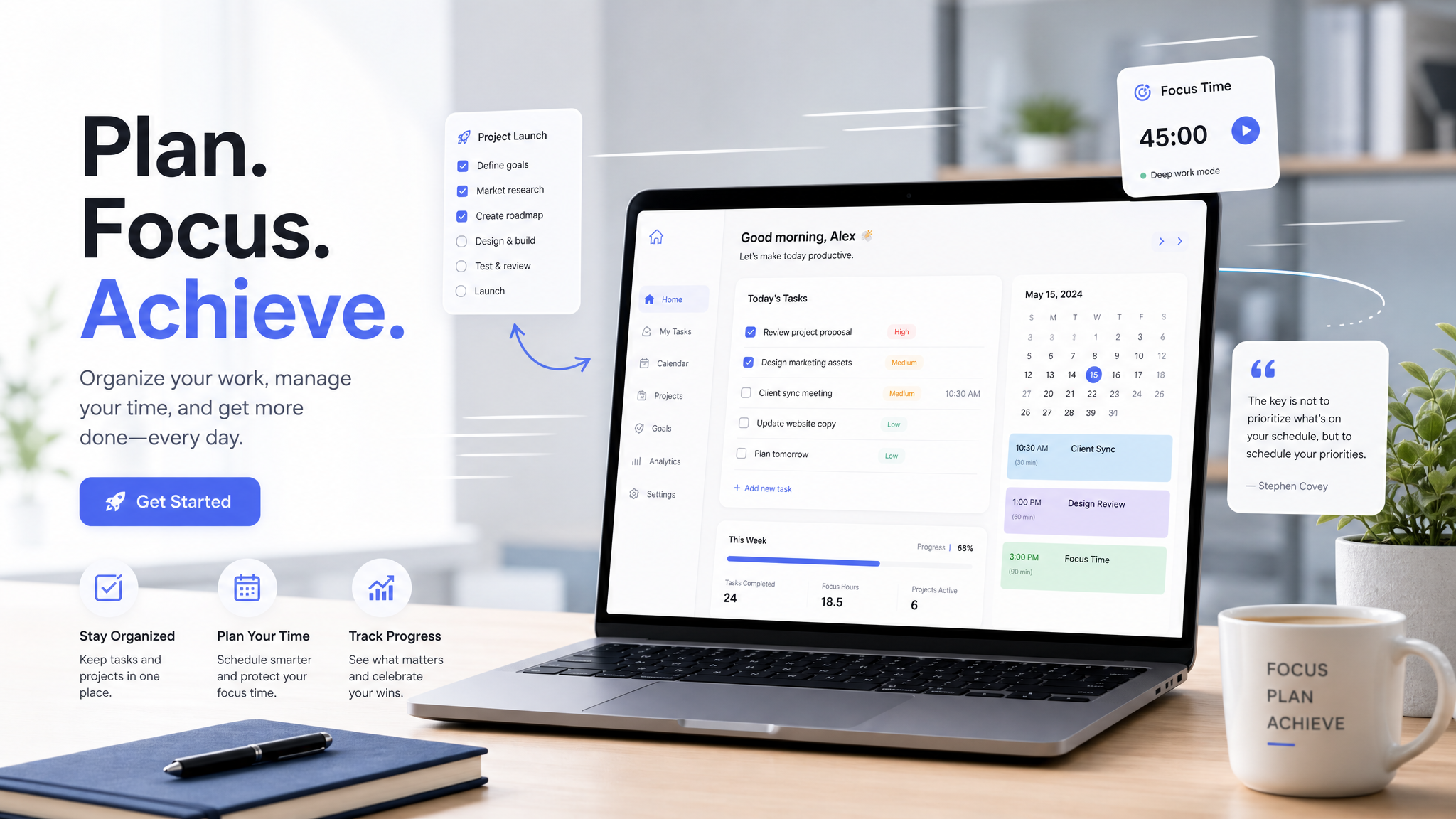
A Concrete Example: Weekly Planning in 10 Minutes
Monday morning. You have 20 tasks competing for attention. In Taskly, you open the week template. You block out Tuesday afternoon for deep work. You tag the client deliverable as “high priority” and the internal invoice approval as “low.” The system automatically redistributes low‑priority tasks to later in the week unless you override it.
This is not a revolutionary algorithm – it is a simple rule that most professionals never enforce on themselves. The result is that by Wednesday, you are not frantically deciding what to do next. The plan is already there.
Where Taskly Falls Short for Some Users
Taskly is not a full project management suite. If your work requires Gantt charts, resource allocation across a team of 20 people, or integration with Jira sprints, you will hit a wall. Taskly is designed for the individual professional who manages their own workload – freelancers, managers, consultants, and solopreneurs.
It also lacks a native time‑tracking feature. You can manually log hours, but if you need automatic timers for billing, you will need to pair it with a separate tool. Taskly prioritizes planning over tracking, which is fine if your goal is to eliminate chaos rather than to invoice by the minute.
How to Know If Taskly Is Right for You
Ask yourself one question: “Do I spend more time figuring out what to work on than actually working?” If the answer is yes, Taskly will likely help. The friction is low – you can set up your week in under 15 minutes and see immediate structure.
If, however, your chaos comes from juggling multiple projects with constantly shifting dependencies from other people, Taskly’s single‑user focus might feel limiting. In that case, a tool like Notion or Asana with collaborative timelines would be a better fit.
Practical Takeaway
Taskly does not promise to make you more productive in the sense of doing more work. It promises to make your work less chaotic. For professionals who are drowning in scattered to‑do lists, that distinction is everything. Try it for one week, using only the weekly view and priority tags. You will probably keep using it.
Comments
Leave a Comment